UPI PIN Reset With Aadhaar OTP: Set or Change Your PIN Without a Debit Card
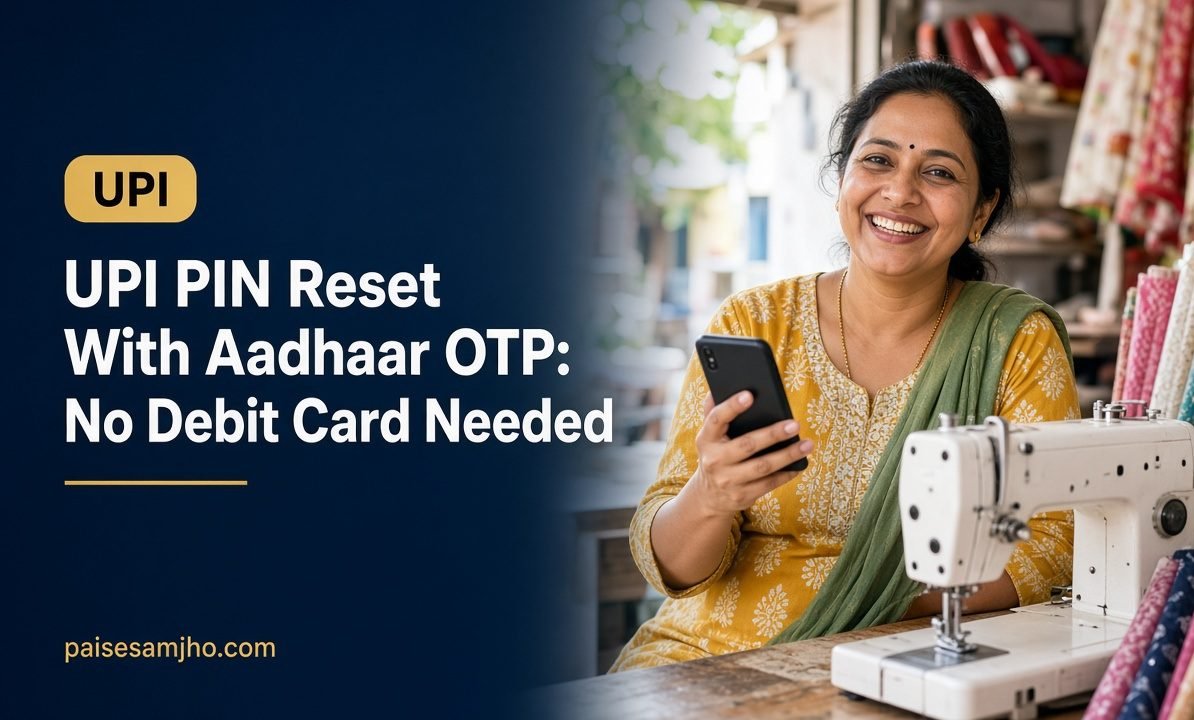
Sunita runs a tailoring shop in Lucknow and gets most of her payments on UPI. When she changed her phone, her UPI app asked her to set a PIN again, and asked for her debit card details. She had never collected the card from her bank. The good news: she did not need it. You can do a UPI PIN reset with Aadhaar OTP instead of a debit card, if a few conditions are met. This guide explains how it works, what you need, and what to do when it fails.
What is a UPI PIN, and when do you need to reset it?
Your UPI PIN is a 4- or 6-digit number that authorises every UPI payment from your bank account. It is set for each bank account linked to UPI, not for the app. You need to set or reset it when:
- you link a bank account to a UPI app for the first time;
- you forget your PIN;
- you reinstall the app or move to a new phone, in some cases;
- your PIN gets blocked after too many wrong attempts;
- your bank asks you to set it again, for instance after a change in your account.
Traditionally, setting a PIN needed the last six digits of your debit card and its expiry date. Many people, especially in rural areas, do not have or use a debit card. NPCI’s Aadhaar-based onboarding fixes that.
UPI PIN reset with Aadhaar OTP: who can use it
NPCI’s user onboarding page for UPI says you can set or reset your UPI PIN using Aadhaar OTP authentication instead of debit card details. The conditions are:
| Requirement | Why it matters |
|---|---|
| Your mobile number must be active and linked to your bank account | UPI verifies you through the SIM in your phone |
| Your Aadhaar must be linked to the same bank account | The bank matches your Aadhaar with its records |
| The mobile number registered with Aadhaar must be able to receive the UIDAI OTP | The OTP from UIDAI is sent to your Aadhaar-linked mobile |
| Your bank must support Aadhaar-based PIN setting | Not every bank offers it on every app |
You can use this option even if you have a debit card, as long as your bank supports it. It is often quicker than entering card details.
Step-by-step: resetting your PIN with Aadhaar
The screens vary slightly between apps such as BHIM, PhonePe, Google Pay and Paytm, and bank apps, but the steps are broadly these. The description below follows the flow published by Axis Bank and PhonePe.
- Open your UPI app and go to the bank account for which you want to set or reset the PIN.
- Tap “Forgot UPI PIN” or “Reset UPI PIN”.
- Choose the Aadhaar option when the app asks how you want to verify.
- Enter the first six digits of your Aadhaar number.
- Give consent for Aadhaar authentication when the app asks.
- Enter the OTP sent by UIDAI to your Aadhaar-linked mobile number.
- Enter the OTP sent by your bank, if asked.
- Set your new UPI PIN and confirm it.
Once done, try a small payment or check your balance to make sure the new PIN works.
Setting a PIN for the first time
The same Aadhaar route works when you are joining UPI for the first time, not just when you forget a PIN. The steps before the PIN screen look like this:
- Install a UPI app and verify your mobile number. The app sends an SMS from your phone to confirm the SIM, so keep balance or an SMS pack active on that SIM.
- Select your bank from the list. The app finds the accounts linked to your mobile number.
- Pick the account you want to use.
- When asked to set the PIN, choose Aadhaar instead of debit card, and continue with the steps above.
If the app finds no account, your mobile number is probably not registered with the bank, or is registered on a different account. That has to be fixed at the bank first.
More than one bank account?
Each bank account linked to UPI has its own PIN. If you have accounts in two banks, you need to set a PIN for each, and you can use the Aadhaar method for one and the debit card method for the other. Resetting the PIN in one app changes it for that bank account in every UPI app, since the PIN belongs to the account, not the app. Using different PINs for different accounts adds a little safety.
Why the first six digits?
Many people worry about typing part of their Aadhaar number in an app. The app does not need the full number; the bank already knows your Aadhaar from its records. The six digits and UIDAI OTP together confirm you are the right person. Never share the full number or the OTPs with anyone who calls or messages you.
Debit card method vs Aadhaar method
| Point | Debit card method | Aadhaar OTP method |
|---|---|---|
| What you need | Last 6 digits and expiry of the card | First 6 digits of Aadhaar and two OTPs |
| Card needed? | Yes | No |
| Aadhaar linking needed? | No | Yes, with the bank and with your mobile |
| Bank support | Universal | Depends on bank |
| Typical use | Card holders | People without a card, or with an expired or lost card |
When the Aadhaar option fails: common problems
“Aadhaar option not shown”
Your bank may not support it, or may not support it in that app. Try your bank’s own app or BHIM. If it still does not show, use the debit card method or visit the branch.
“OTP not received”
The UIDAI OTP goes to the mobile number registered with Aadhaar, which may be different from the one linked to your bank. If you changed your number, update it at an Aadhaar centre first. Check signal and wait a few minutes before asking for another OTP.
“Aadhaar not linked to bank account”
Link your Aadhaar with your bank account through net banking, the bank’s app or the branch. It may take a few days to update.
“Mobile number mismatch”
The SIM in your phone must be the one registered with your bank. Dual-SIM phones sometimes pick the wrong SIM for verification; select the right SIM in the app when asked.
“PIN blocked”
Too many wrong PIN attempts can lock UPI for that account for a period. Wait for the period set by your bank, or reset the PIN as described above.
Payment failed after reset
If a payment fails and money is debited, it is usually reversed. Our guide to failed UPI transaction refunds explains the timelines and how to complain.
Keeping your UPI PIN safe
- You need your PIN only to send money or check balance, never to receive money. Anyone who asks you to enter your PIN to “receive” a payment is trying to cheat you.
- Do not share your PIN, Aadhaar OTP or bank OTP with anyone, including people claiming to be from your bank, NPCI or UIDAI.
- Do not write the PIN on your phone cover or store it in your notes app.
- Choose a PIN that is not your birth year or 1234.
- If you suspect someone knows your PIN, reset it at once and call your bank.
- Report fraud to the cybercrime helpline 1930 or at cybercrime.gov.in, and to your bank.
The new caller name display rule coming into effect from 1 November may help you spot fake calls, but a name on the screen does not make a caller genuine. Our 1 November rule changes report explains it.
Tips for elderly parents and first-time users
Many families set up UPI for parents who do not use debit cards. A few points make it smoother:
- Do the setup together, on the parent’s own phone and SIM, not yours.
- Check first, at the branch or through a passbook update, that Aadhaar and the mobile number are linked to their account.
- Let them choose and type the PIN themselves, so only they know it.
- Start with small payments to familiar shops, and explain that the PIN is never needed to receive money.
- Show them how to check their balance in the app, so they can spot unknown debits early.
Senior citizens who find this hard can also ask their bank about assisted services. Our guide to banking rights for senior citizens covers what banks offer.
Lost your phone?
If your phone is lost or stolen, call your bank to block UPI on your account and block the SIM through your mobile operator. When you get a new SIM with the same number, you can link your bank account again and set a fresh PIN, using Aadhaar OTP if your debit card is not handy.
UPI limits and other features to know
Setting your PIN is only the start. UPI has per-transaction and daily limits that vary by bank and by type of payment. UPI Lite lets you make small payments without a PIN at all, from a small wallet on your phone. Our UPI Lite and limits explainer covers how they work.
If your bank does not cooperate
If your bank does not resolve a UPI problem, raise a complaint in the UPI app first, then with the bank. If there is no satisfactory reply within 30 days, you can complain to the RBI Ombudsman through the Complaint Management System. NPCI also handles UPI disputes through its dispute redressal mechanism on its website.
FAQs
Can I reset my UPI PIN without a debit card?
Yes, using Aadhaar OTP, if your Aadhaar and mobile number are linked to your bank account and your bank supports it.
Which Aadhaar digits does the app ask for?
The first six digits of your Aadhaar number, followed by an OTP from UIDAI.
Can I use Aadhaar even if I have a debit card?
Yes, if your bank supports the option.
Why is the Aadhaar option missing in my app?
Your bank may not support it in that app. Try BHIM or your bank’s app, or use the debit card method.
Do I need a UPI PIN to receive money?
No. A PIN is needed only to pay or check balance.
Takeaway: A UPI PIN reset with Aadhaar OTP works without a debit card, if your Aadhaar and mobile are linked to your bank and your bank supports it. Never share the PIN or OTPs with anyone.
Official pages
Partly verified, 29 Oct 2026, 10:50 PM IST. Conditions are from NPCI’s UPI onboarding page, read today; app steps follow flows published by Axis Bank and PhonePe and can vary by app and bank. Troubleshooting and safety tips are general guidance, not bank rules.