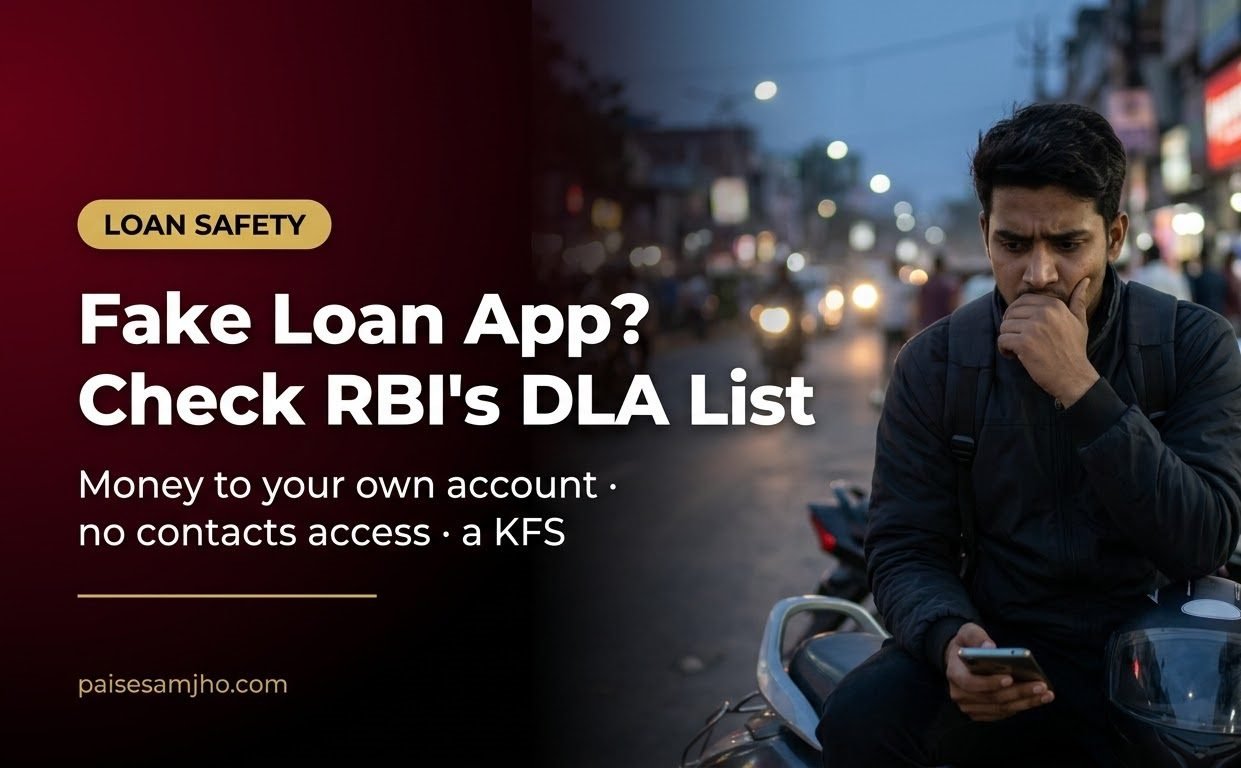
Fake Loan App or Genuine? How to Check RBI’s DLA List and 5 Rules Every Lender Must Follow
RBI’s rule is blunt: every loan made through an app by a bank or NBFC “shall always be made into the bank account of the borrower”, never to an agent’s account. Every app those lenders use must also be reported to RBI, which then lists it publicly. Together, those two rules give you a quick way to spot a fake loan app before it gets your contacts, your photos or your money.
Step 1: Look the app up on RBI’s DLA list
Under the Reserve Bank of India (Digital Lending) Directions, 2025, each regulated entity (RE) must report “all DLAs deployed/ joined by them” on RBI’s CIMS portal (para 17(i)). That data is published on RBI’s website “in an automated manner” (para 17(v)). The list is on RBI’s page DLAs deployed by Regulated Entities.
Search for the app’s name and the lender it claims to work with. If the app doesn’t appear against that lender, treat its claim as unproven.
Then open the lender’s own website. Para 8(iv) requires each regulated lender to show, in one prominent place, all of its digital lending products and apps, the agents (LSPs) it uses and their apps, and its grievance contacts. If the app you downloaded is missing from both RBI’s list and the lender’s page, stop there.
Know what the list can and can’t tell you. RBI’s press release of May 2025 says the list is for “the limited purpose of aiding the customers in verifying the claim of a DLA’s association with a RE”, and that it is based on lenders’ submissions “without any further validation check by the Reserve Bank” (PR 2025-2026/288). Para 17(vi) adds that being on the list must not be presented as “registration, authorization, or endorsement by the Reserve Bank”. So a listed app is linked to a regulated lender, but RBI has not approved it.
Step 2: Check where the money comes from and where it goes
| Rule (Directions, 2025) | What a genuine lender’s app does | Fake loan app warning sign |
|---|---|---|
| Para 9(i): disbursal | Loan is credited to your own bank account | Money comes from a personal UPI ID or an unknown third party |
| Para 9(ii): repayment | You repay straight into the lender’s bank account | You are asked to pay an agent’s UPI ID or a “collection” wallet |
| Para 9(iv): agent fees | The lender pays the agent (LSP); the agent charges you nothing separately | A separate “service” or “file” charge demanded by the app operator |
| Para 8(i): KFS | You get a Key Fact Statement with the APR before signing | No KFS; only a total “to pay” figure |
| Para 8(iii): documents | Signed KFS and sanction letter on the lender’s letterhead reach your registered email or SMS | Nothing in writing, or documents with no lender named |
Step 3: Watch what the app asks to access
Para 12(i) says the lender must ensure its apps “desist from accessing mobile phone resources like file and media, contact list, call logs, telephony functions”. Only one-time access to the camera, microphone or location is allowed, and only for onboarding or KYC, with your explicit consent. An app that won’t work without your contacts is breaking this rule. Uninstall it before you grant permission.
You also have the right to refuse consent for particular data, to withdraw consent, and to ask for your data to be deleted (para 12(ii)).
What a fake loan app’s upfront deduction really costs
Many fake apps show one loan amount and credit a smaller one. Here is an example with made-up figures, worked with simple arithmetic rather than the formal APR method:
| Item | Amount |
|---|---|
| Loan shown in the app | ₹10,000 |
| Actually credited | ₹8,200 |
| Repayment demanded after 30 days | ₹10,500 |
| Cost for 30 days on the cash you got | ₹2,300 (28.05%) |
| Same cost, simple annualised | 341.26% a year |
A KFS would put the cost in one APR figure before you sign. That figure is exactly what a fake loan app avoids showing you.
Changed your mind? The cooling-off exit
Para 10 gives genuine digital loans a cooling-off period of at least one day. In that window you can exit by “paying the principal and the proportionate APR without any penalty”. The lender may keep a “reasonable one-time processing fee” if that was disclosed in the KFS.
Example: you borrow ₹20,000 at a 30% APR and exit on day 3. The proportionate cost is ₹49.32, so you repay ₹20,049.32 plus any disclosed processing fee. For anything longer, compare with a regular bank loan first; our guide to a personal loan for Diwali shows typical bank costs.
If you have already borrowed from a suspect app
- Complain to the lender. Its nodal grievance officer’s details must be on the app, on the lender’s website and in the KFS (para 11(ii)).
- Escalate after 30 days. If the lender rejects your complaint, you aren’t satisfied with the reply, or there is no reply within 30 days, you can complain on RBI’s CMS portal under the Integrated Ombudsman Scheme (para 11(iv)).
- Threats or misuse of your photos and contacts are a crime. Report them on the national cyber-crime helpline 1930 or cybercrime.gov.in, and keep screenshots.
- Check your credit report. Loans from regulated lenders’ apps must be reported to credit bureaus (para 16). In our view, a loan that never shows up on your report is another warning sign about the lender. See how to check your CIBIL score free, and before agreeing to any “settlement”, read what settlement does to your CIBIL report.
Before tapping “Get loan”, run through these quick answers.
FAQ
Does RBI approve loan apps?
No. RBI regulates the lenders. Its DLA list shows which apps lenders say they use, and RBI states it does not validate those entries.
The app is on the Play Store. Is that enough?
It is not. Check RBI’s list and the lender’s own website. Para 8(iv) requires lenders to list their apps and partner agents there.
How can I tell a fake loan app from a genuine one in a minute?
Three checks: it is on RBI’s list against a named bank or NBFC, it asks for no contacts or gallery access, and it gives you a KFS showing the APR.
Can a recovery agent call my relatives?
The Directions require the lender to tell you the recovery agent’s details by email or SMS before that agent contacts you (para 8(v)). Report harassment to the lender and, if there are threats, to 1930.
Takeaway: before you install a loan app, find it on RBI’s DLA list against a named lender. If it isn’t there, or it wants your contacts, don’t install it.
Rules cited
| Document | Paras |
|---|---|
| Reserve Bank of India (Digital Lending) Directions, 2025: RBI/2025-26/36, DOR.STR.REC.19/21.07.001/2025-26, 8 May 2025 | 8(i), 8(iii)–(v), 9(i)–(iv), 10, 11(ii), 11(iv), 12(i)–(ii), 16, 17(i), (v), (vi) |
| RBI PR 2025-2026/288 (Public Directory of DLAs) | Paras on the purpose of the list and no RBI validation |
Last verified 8 Oct 2026, 2:53 AM IST: Digital Lending Directions, 2025 (full text on rbi.org.in; no withdrawal notice found), RBI PR 2025-2026/288 and RBI’s DLA page. The DLA entries load inside RBI’s page and were not searched by us for any specific app.