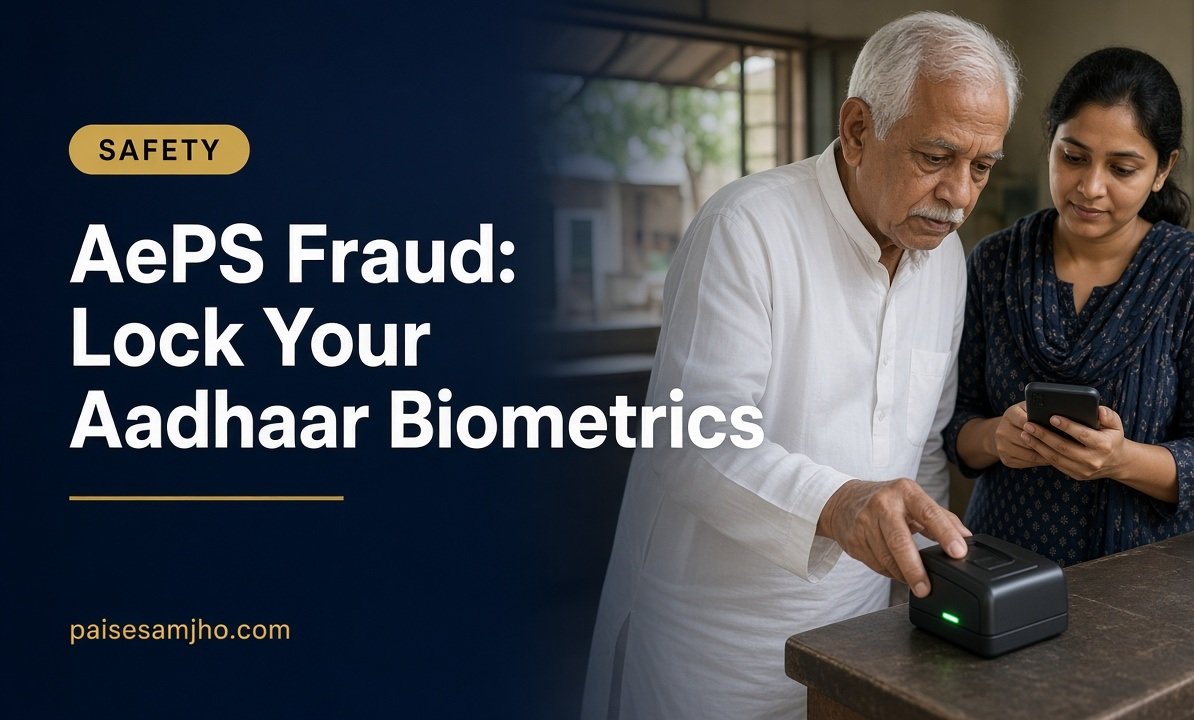
AePS Fraud: How to Protect Your Bank Account With Aadhaar Biometric Lock
A pensioner in a small town finds ₹10,000 missing from her account. She never shared an OTP, never clicked a link and still has her debit card. The withdrawal was made through the Aadhaar Enabled Payment System (AePS), using her Aadhaar number and a copy of her fingerprint. Cases like this are why RBI tightened AePS rules from 1 January 2026. This guide explains how AePS works, how AePS fraud happens, how an Aadhaar biometric lock protects you, and what to do if money is taken.
What is AePS?
AePS is a payment system run by the National Payments Corporation of India (NPCI). It lets you use your Aadhaar number and biometric authentication, usually a fingerprint, to do basic banking at a micro-ATM or a banking agent’s device. RBI defines it as a system providing cash withdrawal, cash deposit, fund transfer, and non-financial services like mini statements and balance enquiries.
It is widely used in rural areas, by elderly people and by those who receive government benefits, because it needs no card, PIN or smartphone. The convenience is also the risk: anyone with your Aadhaar number and a usable copy of your fingerprint can try to withdraw money.
How AePS fraud happens
- Cloned fingerprints: fraudsters copy fingerprints from documents such as property registration papers, where thumb impressions are recorded, and make silicone moulds.
- Fake operators: a person posing as a banking agent takes your fingerprint “for verification” and makes a withdrawal instead.
- Extra withdrawals: a dishonest agent tells you a transaction failed and asks you to place your finger again, then takes the money twice.
- Leaked Aadhaar numbers: your Aadhaar number on photocopies left at shops or offices makes it easier.
These patterns have been reported by police and banks in many states. RBI’s June 2025 circular noted “reports of frauds perpetuated through AePS due to identity theft or compromise of customer credentials.”
What RBI changed from 1 January 2026
RBI’s directions on due diligence of AePS touchpoint operators, issued on 27 June 2025, came into effect on 1 January 2026. They require the bank that onboards an AePS operator to:
| Requirement | What it means for you |
|---|---|
| Full KYC of every AePS operator before onboarding, with periodic updates | The agent should be traceable to a real, verified person |
| Fresh KYC if an operator has been inactive for three months | Dormant agent IDs are harder to misuse |
| Ongoing monitoring of operators by location, volume and speed of transactions | Unusual patterns should be flagged by the bank |
| System controls so integrations are used only for AePS | Less scope for misuse of the technology |
These rules apply to banks, not customers. They reduce risk, but your own steps still matter most.
AePS fraud and Aadhaar biometric lock: your strongest protection
UIDAI lets you lock your Aadhaar biometrics. When locked, your fingerprint, iris and face cannot be used for Aadhaar authentication, so an AePS withdrawal using your fingerprint will fail. You can lift the lock for a short time when you need to use biometrics, for example at a bank or for a life certificate, and the lock returns automatically after the set time.
How to lock your biometrics
- Go to the myAadhaar portal on UIDAI’s website, or open the mAadhaar app.
- Log in with your Aadhaar number and the OTP sent to your Aadhaar-linked mobile number.
- Choose the biometric lock option in the services list and confirm the lock.
- To use biometrics later, choose temporary unlock. It relocks after a short period.
You need a mobile number linked to Aadhaar for this. If yours is not linked or has changed, update it at an Aadhaar centre first. You can also visit an Aadhaar centre for help with locking.
Remember: if biometrics are locked, Aadhaar-based face authentication, including for Jeevan Pramaan, will also fail. Lift the lock for a short time before you generate a life certificate.
Other ways to protect yourself
- Keep SMS alerts on and your mobile number updated with the bank.
- Use AePS only with known agents at fixed bank outlets. Check that the outlet shows the bank’s name and complaint contact.
- Watch the screen and ask for a receipt after every transaction.
- Never place your finger twice without seeing why the first attempt failed.
- Mask your Aadhaar on photocopies. UIDAI offers a masked Aadhaar download that hides the first eight digits.
- Turn off AePS on your account if your bank allows it and you do not use the service.
If money is taken through AePS
- Call 1930, the national cybercrime helpline, or file a complaint at cybercrime.gov.in at once. Quick reporting gives the strongest chance of the money being put on hold.
- Inform your bank in writing the same day and get an acknowledgement. Ask the bank to block AePS on your account.
- Lock your biometrics immediately.
- Keep evidence: SMS alerts, passbook entries, any receipts.
- Know your liability rights. RBI’s 2017 customer liability circular says a customer has zero liability for third-party frauds reported within three working days. Our guide on zero liability explains the details.
- Escalate to the RBI Ombudsman if the bank does not resolve it within 30 days.
Failed AePS transactions
If your account was debited but you did not get cash, that is a failed transaction, not fraud. RBI’s turnaround time rules say the acquiring bank must initiate a credit adjustment within five days (T+5), and the customer gets ₹100 a day compensation for delay beyond that. Report it to your bank with the receipt or transaction details.
Who should be most careful
- Elderly people and pensioners who rely on agents.
- People whose thumb impressions appear on property or other registered documents.
- Anyone who has given Aadhaar copies widely, for SIM cards, rentals or jobs.
Family members can help by setting up the biometric lock and checking statements every month. Our guide on Aadhaar e-KYC accounts covers other Aadhaar-linked banking risks.
How to spot a genuine AePS agent
| Check | What to look for |
|---|---|
| Signage | The bank’s name and authorisation, with contact details for complaints |
| Device | A biometric device connected to a phone or terminal that prints or sends a receipt |
| Receipt | Shows the amount, date, time, the last digits of your Aadhaar and a transaction ID |
| Behaviour | The agent does not ask you to repeat a fingerprint without showing an error |
| SMS | You get an alert from your bank within minutes of the transaction |
If any of these are missing, stop and do the transaction at a bank branch instead.
Check your account regularly
Many AePS frauds go unnoticed for weeks, especially in accounts used only to receive pensions or government benefits. Update your passbook every month, or check your balance by SMS or missed call. Look for withdrawals marked “AePS” or with a micro-ATM reference that you did not make. The sooner you spot them, the stronger your claim.
Helping elderly parents
- Lock their Aadhaar biometrics, and note down when they will need the lock lifted for a while, such as for a life certificate in November.
- Link their account alerts to a phone they actually use, or add your number as a secondary contact if the bank allows.
- Keep their Aadhaar card and photocopies safe, and mask copies wherever possible.
- Tell them never to give a fingerprint to anyone who comes home claiming to be from the bank or a government office without an appointment they recognise.
- Visit the branch with them once a year to review the account, nominee details and any linked services they no longer use.
What banks and agents must not do
A banking agent should never keep your Aadhaar card, ask for your OTP, or take your fingerprint without starting a transaction you asked for. If an agent asks you to place your finger several times, refuses to give a receipt, or says the transaction failed but you then get a debit SMS, report it to the bank’s branch and the complaint number shown at the outlet. Under RBI’s directions, the bank that onboarded the agent is responsible for monitoring the agent’s activity, so your complaint helps it act.
FAQs
Can I lock my biometrics without a smartphone?
Yes. You can use the myAadhaar website on any computer, or ask at an Aadhaar enrolment centre. You still need an Aadhaar-linked mobile number for the OTP.
Can someone withdraw money with just my Aadhaar number?
Not with the number alone. AePS also needs biometric authentication. But fraudsters may use copied fingerprints, which is why locking biometrics helps.
Will locking biometrics stop my ration or pension?
It can block services that need Aadhaar biometric authentication until you lift the lock. Lift it for a short time when you need them.
Is AePS safe to use?
It is useful, especially where ATMs are scarce. Use it with trusted agents, watch every transaction and keep alerts on.
Does the 1930 helpline work for AePS fraud?
Yes. It handles financial cyber fraud complaints of all kinds.
Takeaway: To guard against AePS fraud, an Aadhaar biometric lock is your strongest tool. Keep SMS alerts on, use trusted agents, and report any loss to 1930 and your bank within three working days.
Rules and official pages used
- RBI, 27 Jun 2025: AePS – Due diligence of AePS touchpoint operators
- RBI: Turnaround time for failed transactions
- UIDAI: myAadhaar portal
- National Cybercrime Reporting Portal
Last verified: 2 Nov 2026, 7:55 PM IST, against RBI’s 27 Jun 2025 AePS directions (effective 1 Jan 2026), its turnaround time and customer liability circulars. Biometric lock steps follow UIDAI’s myAadhaar service; screens may change. Fraud patterns are as widely reported, not from a single official source.